Product Media Kit
Screenshots, looping GIFs, and an overview video of your product, made from your real interface. When the interface changes, I re-shoot the whole set.
For teams whose docs, help center, or marketing pages are full of product images that go stale with every release.
$900
$600 founding rate for the first 3 teams, then $900. In return I ask for a short testimonial and permission to show the work.
Sample: Atrium
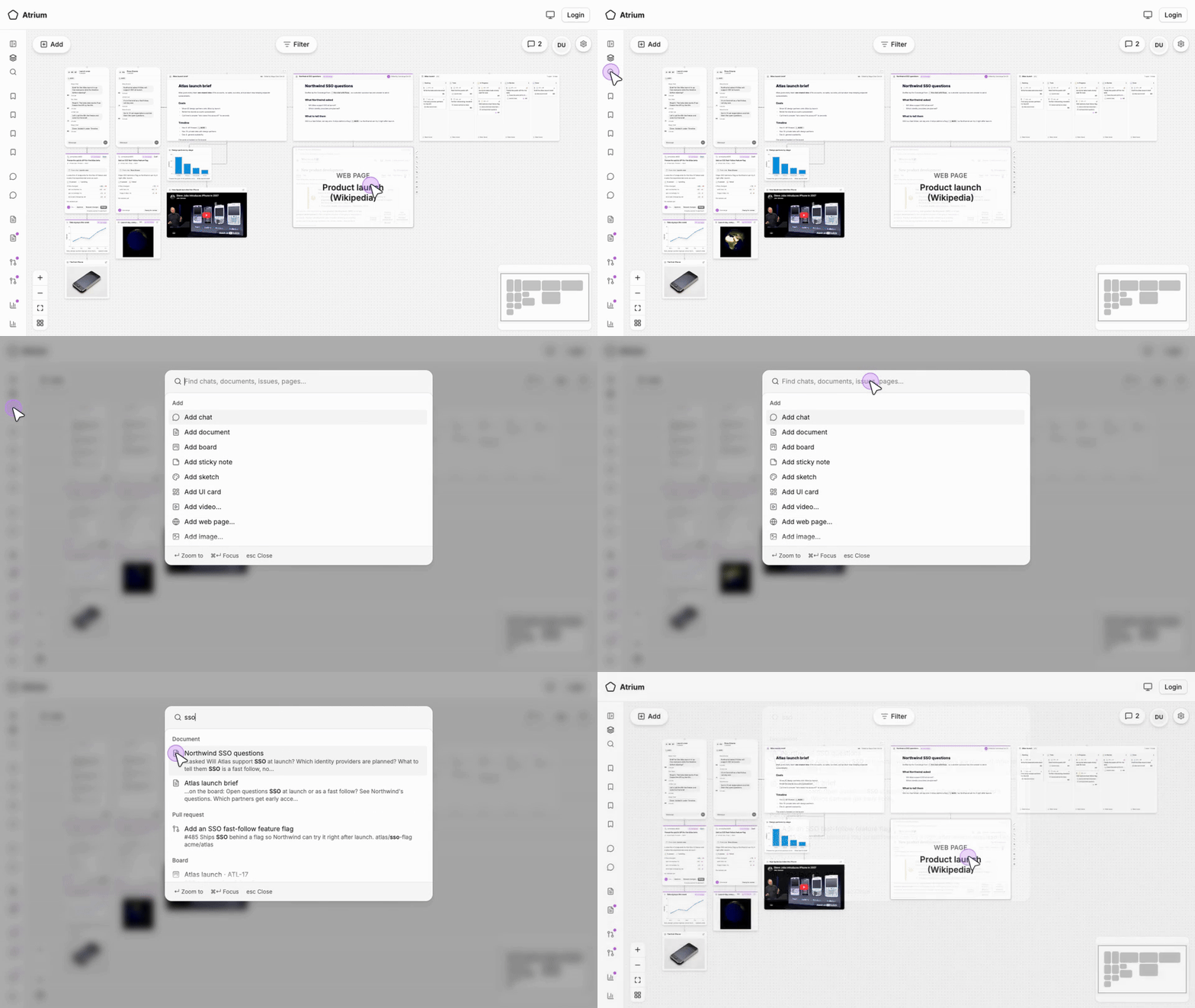
Atrium is my own product, a canvas for everything a company knows. Everything here came from one run of its kit. Read the case study



What's in it
Up to 8 flows
Each flow you document gets a desktop screenshot in light and dark, plus a short looping GIF of the interaction.
Phone screenshots
Your main screens at phone width, for mobile docs and landing pages.
Overview video
30 to 40 seconds of real footage with on-screen captions, in landscape and a 4:5 cut for social feeds.
Share image
A 1200 by 630 image for link previews.
When your product changes
I write each flow down as a script that drives a real browser: where to click, what to type, when to capture. Your kit is that script's first run. After a redesign or a renamed button, I run it again and every image and clip updates to match.
- Refresh
- $350 per re-shoot
- The whole kit shot again after your interface changes. Small edits to the flows are included.
- Evergreen
- $149 a month
- One re-shoot every month, for products that change their interface often.
How it runs
01
Tell me about the product
Send the form with a link and the flows you want covered. I reply with questions or a yes.
02
Agree on the shot list
I write the flows down in plain language for you to check, and we set the delivery date together.
03
I shoot and edit
A real browser runs your flows. I look at every frame and fix anything that's off.
04
You get the files
A folder of PNGs, GIFs, and MP4s, named by flow and ready to drop into your docs.
What I need from you
- A URL I can reach. A staging site works.
- A login with realistic demo data, if the product needs one.
- The flows to cover, up to 8. Your most-read help articles are a good place to start.
Know before you ask
- It covers anything that runs in a browser. Native phone and desktop apps aren't included yet.
- The video has captions and no voiceover.
- I run the studio alongside a full-time job, so I don't take rush work.